

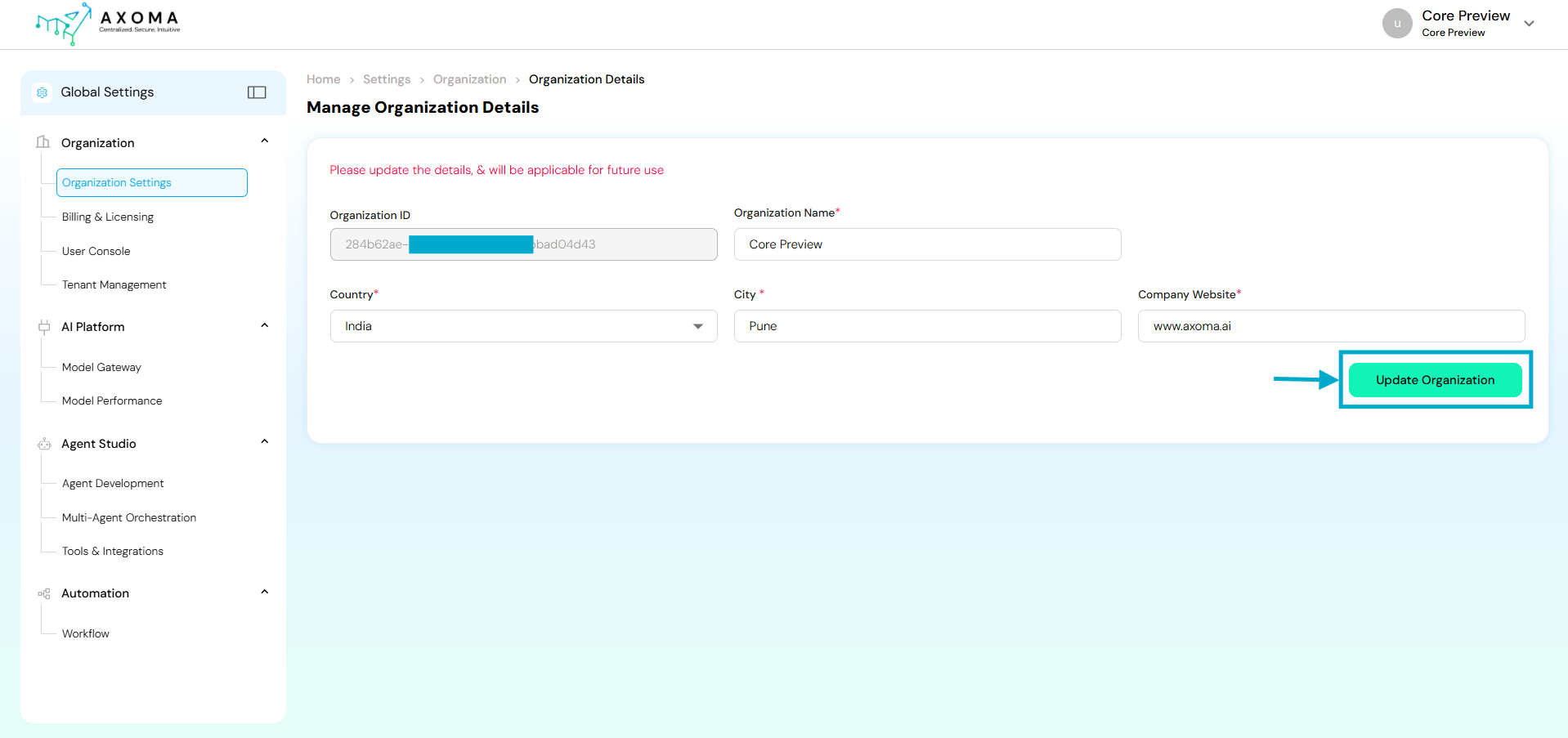
Navigation:
Global Settings → Organization → Organization Settings
Fields and Their Descriptions
Use Cases
Initial Organization Setup: During the first-time Axoma platform configuration, the Super Admin defines core details such as organization name, location, and website. Rebranding or Corporate Updates: If the company undergoes a rebranding or office relocation, admins can easily update the name or city without disrupting operations.Best Practices
- Ensure the Organization Name matches the legal business name used in billing and contracts.
- Keep the Company Website updated this link may appear in automated system communications.
- Update Country and City promptly if the organization shifts base or adds new operational hubs.
- Changes should be performed by Super Admins only to prevent configuration conflicts.